May 18th, 2026

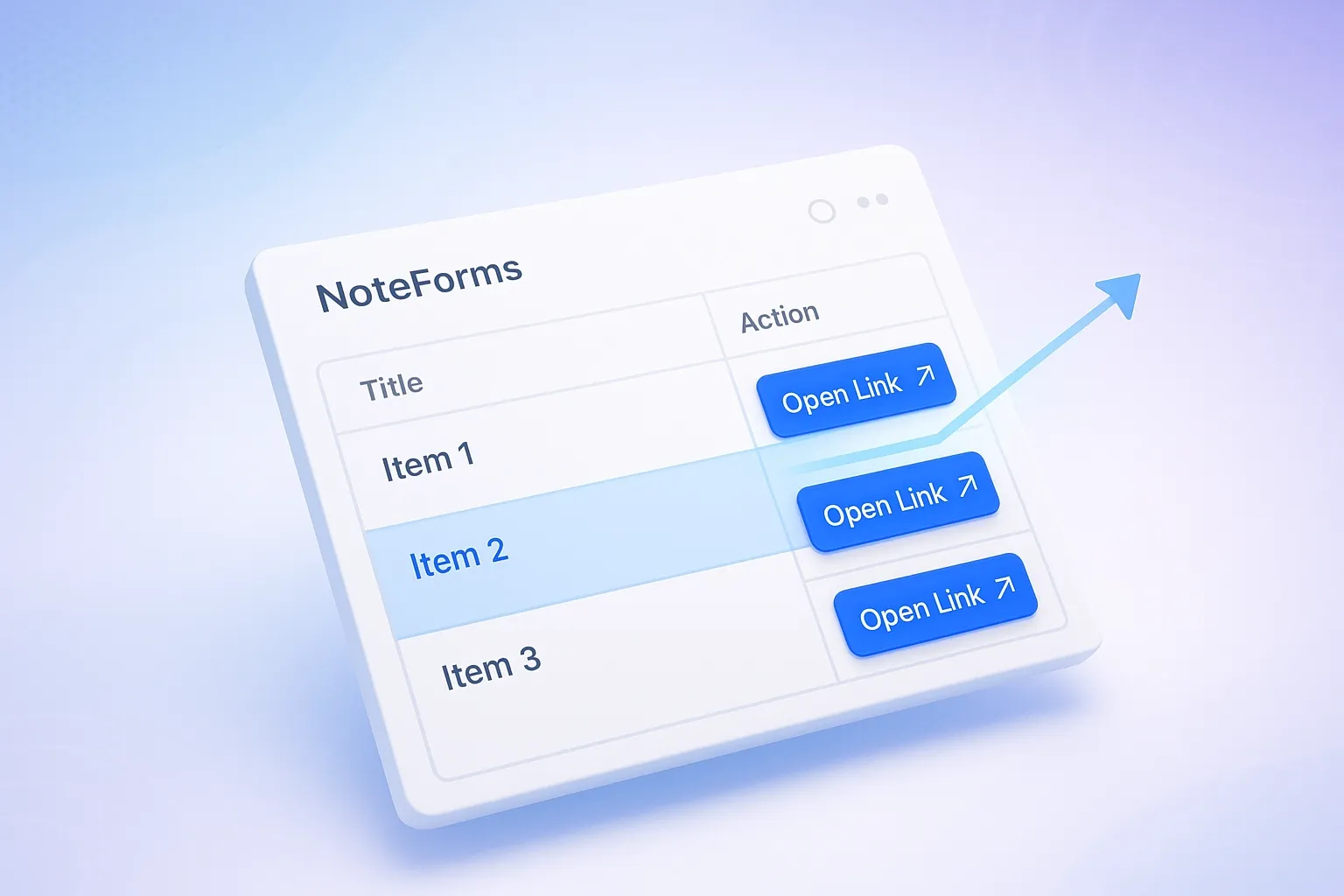
You can now configure the Open Link Button in table views even when the URL column is hidden. This allows users to keep database layouts clean and minimal while still fully using link functionality. The button continues to work even when the source URL column is not visible in the table, making the experience more flexible. This is especially useful for users who want a simplified UI without exposing raw data fields. It improves overall usability when designing compact and user-friendly database views.
🛠️ Fixes & Improvements
Fixed Zapier poll endpoint returning fake data instead of real submissions
Fixed issue where hidden form fields could not be referenced using @ in email content
March 23rd, 2026

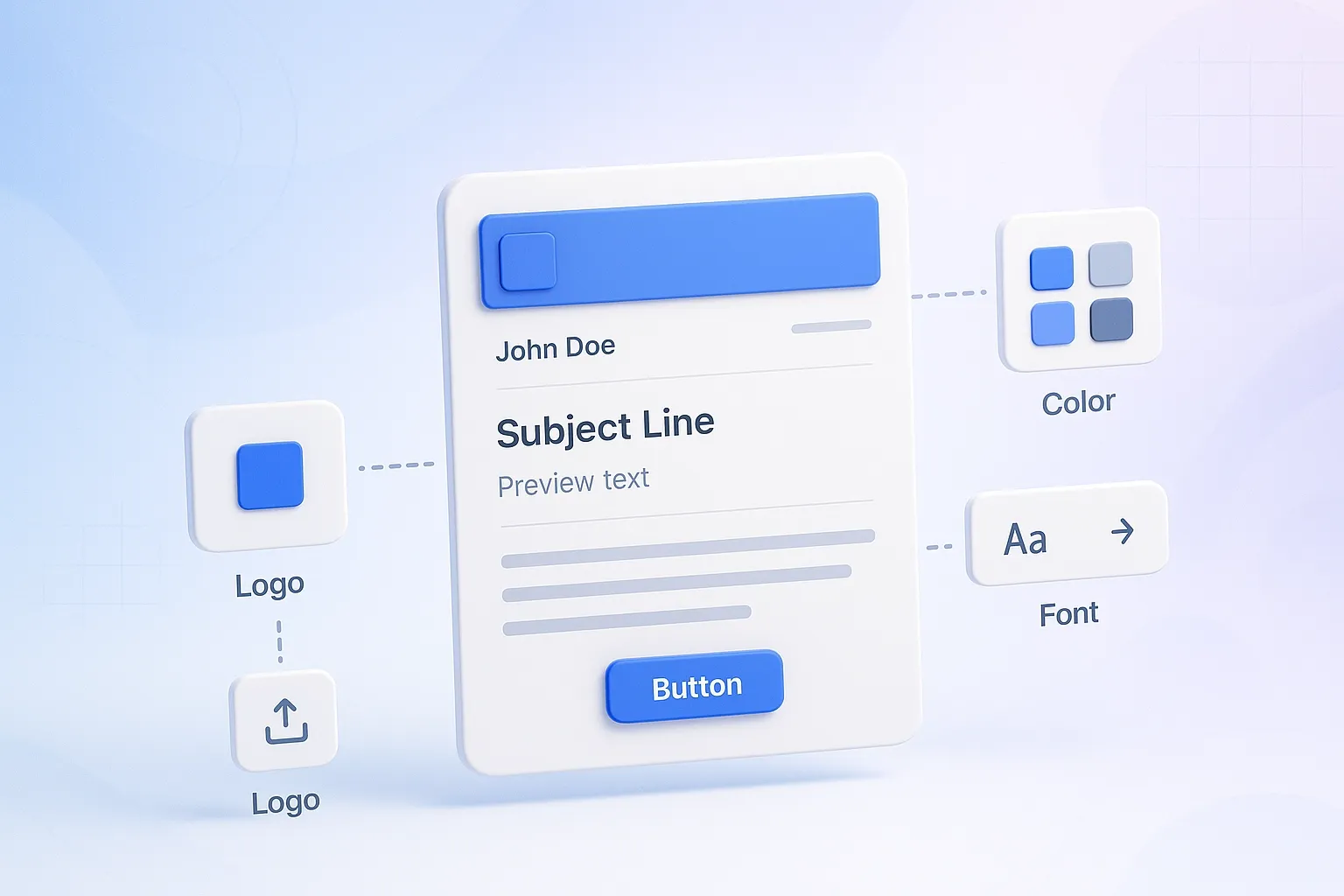
You can now change how your NoteForms email notifications look.
Add your logo, pick a font, and choose your colors to match your brand. This helps your emails look more professional and consistent.
No more generic emails—your notifications will feel like they’re coming directly from your team.
Check out the guide here:
How to Customize Email Notification Appearance
🛠️ Fixes & Improvements
Corrected how text blocks behave in RTL mode so content now displays properly for right-to-left languages.
Fixed an issue on Windows where duplicate scrollbars appeared, resulting in a cleaner interface.
March 12th, 2026

NoteForms now lets you use @mentions inside the Payment Block!
Easily pull submission data directly into your payment fields for a more dynamic and personalized checkout.
If you’re already using mentions in emails, redirects, or integrations, you’ll find the same automation and convenience now available in payments.
Say goodbye to manual edits and streamline your forms like never before.
Check out the guide here:
How to Use Mentions in Redirect URLs, Emails, Integrations, and More
February 23rd, 2026

The “Exists in Submissions” custom validation in NoteForms has been expanded to work for most field types!
This means you can now prevent duplicate values not just for emails or numbers, but also for titles, URLs, select fields, multi-selects, dates, users, relations, and more. Your forms will automatically block duplicates, keeping your data clean without extra effort.
You can now apply this validation to most field types:
Title
URL
Phone number
Rich Text
Number
Select
Multi Select
Status
Date
User
Relation
Expanded field support: “Exists in Submissions” now works for most fields.
Automatic duplicate blocking: Prevents duplicate submissions without extra effort.
Custom error messages: You can show a friendly message when someone tries to submit a duplicate.
January 29th, 2026

NoteForms now offers a Transparent Form Theme, giving your forms a sleek, modern look similar to Typeform. This theme features only a bottom border on input fields with no border radius, creating a clean and minimal style that emphasizes your content. Perfect for surveys, feedback forms, or any embedded form, it makes your forms feel modern and professional.
Learn more: How can I change the theme of my form
🐞 Bugs & Improvements
Multi-Select Input Field Cursor Jump: When selecting more than 4 options in an input field, the cursor jumps up each time, forcing users to scroll down again. ✅ Fixed
January 16th, 2026

NoteForms now allows you to randomize the display order of options in dropdowns, checkboxes, and radio buttons. This feature helps reduce bias in surveys, quizzes, and polls, ensuring fair presentation of options and better quality responses.
Learn more: How to Randomize Form Options in NoteForms: How to Randomize Select or Multi-Select Options in NoteForms?
January 6th, 2026

You can now create new Notion database pages using a page template when someone submits your form. This ensures every new page follows a consistent layout, structure, and design—no more manual formatting after submission.
This feature is ideal for client onboarding, job applications, CRM entries, content briefs, and internal workflows, helping you keep your Notion database clean, organized, and ready to use from the moment a submission comes in.
Learn more: How to Create a New Notion Database Page Using a Page Template
December 19th, 2025

We’ve added Focused Mode to NoteForms — a new way to show your form one question at a time, similar to Typeform.
This layout makes forms easier to understand, faster to complete, and more comfortable to use — especially on mobile devices.
Why this is helpful:
Easy for respondents: Showing one question at a time reduces confusion and keeps users focused.
Better mobile experience: Large input fields and simple navigation work great on phones and tablets.
More engaging forms: Add images to each question and choose from different layouts like split or background.
Clear progress tracking: Let respondents see how far they are with step or percentage progress.
Still works with Notion: All your form logic, integrations, notifications, and responses continue syncing to your Notion database.
Switch anytime: You can turn Focused Mode on or off without losing questions or responses.
💡 Great for: Notion surveys, lead capture forms, feedback forms, job applications, quizzes, and sign-up forms.
📘 Learn how to use Focused Mode:
How to create a one-question-at-a-time form in NoteForms (Focused Mode)
November 26th, 2025

Your Notion database can now stay cleaner and more accurate—when you want it to.
With this new optional setting, NoteForms can automatically clear any fields a respondent leaves blank when they submit another entry that matches your Update Record Filter (for example, the same email address).
When this option is enabled, NoteForms will overwrite previous data and remove any empty fields from the updated submission. This helps keep your records tidy and ensures only the latest, intentionally provided information stays in your database.
Perfect for workflows like profiles, registrations, applications, or any process where respondents may submit updated information over time.
Learn how respondents can update their submissions in NoteForms
November 21st, 2025

Previously, you could only view your items in a database list, but now you can see them on a calendar using their date property. Quickly get an overview of upcoming tasks, events, or content at a glance. You can also add new items or update existing ones directly in the calendar, making planning and organization faster and easier. Perfect for content planning, event management, appointment scheduling, or any workflow where seeing dates visually helps you stay on top of everything.
Learn how to create a Calendar View in NoteForms
Focused Mode
Easier to focus on one question at a time with keyboard shortcuts and automatic progression.
Smoother navigation and scrolling.
Better customization and multi-language support.
Submit with Enter
Password fields now submit when pressing Enter.
Adding Blocks
Search for blocks and add them faster.
Keyboard shortcuts and on-screen tips make adding blocks easier.