Focused Mode — Create One-Question-at-a-Time Forms (Typeform-Style) 🧭
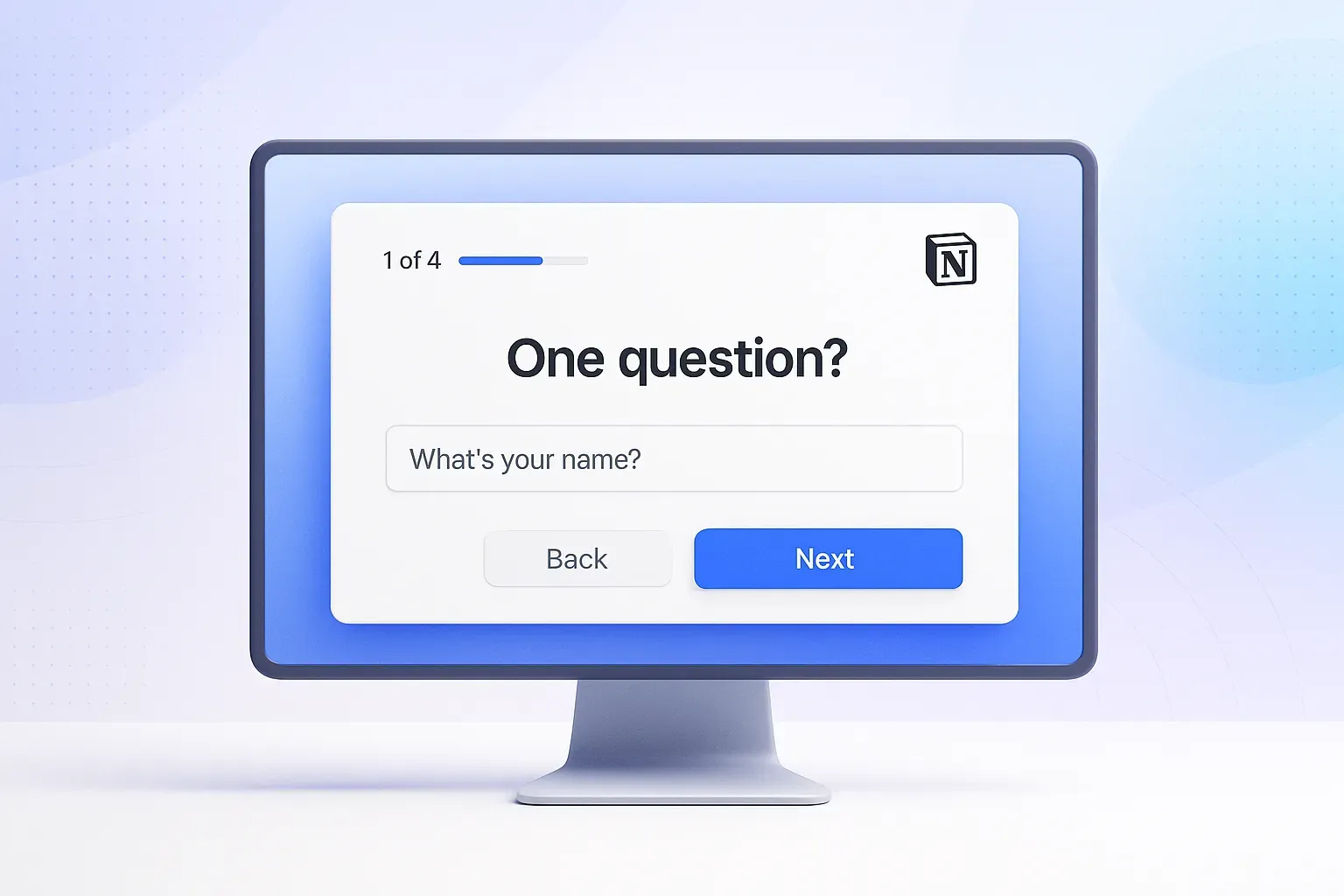
We’ve added Focused Mode to NoteForms — a new way to show your form one question at a time, similar to Typeform.
This layout makes forms easier to understand, faster to complete, and more comfortable to use — especially on mobile devices.
Why this is helpful:
Easy for respondents: Showing one question at a time reduces confusion and keeps users focused.
Better mobile experience: Large input fields and simple navigation work great on phones and tablets.
More engaging forms: Add images to each question and choose from different layouts like split or background.
Clear progress tracking: Let respondents see how far they are with step or percentage progress.
Still works with Notion: All your form logic, integrations, notifications, and responses continue syncing to your Notion database.
Switch anytime: You can turn Focused Mode on or off without losing questions or responses.
💡 Great for: Notion surveys, lead capture forms, feedback forms, job applications, quizzes, and sign-up forms.
📘 Learn how to use Focused Mode:
How to create a one-question-at-a-time form in NoteForms (Focused Mode)