Video Block: Embed Videos & Media in Your Forms 🎥
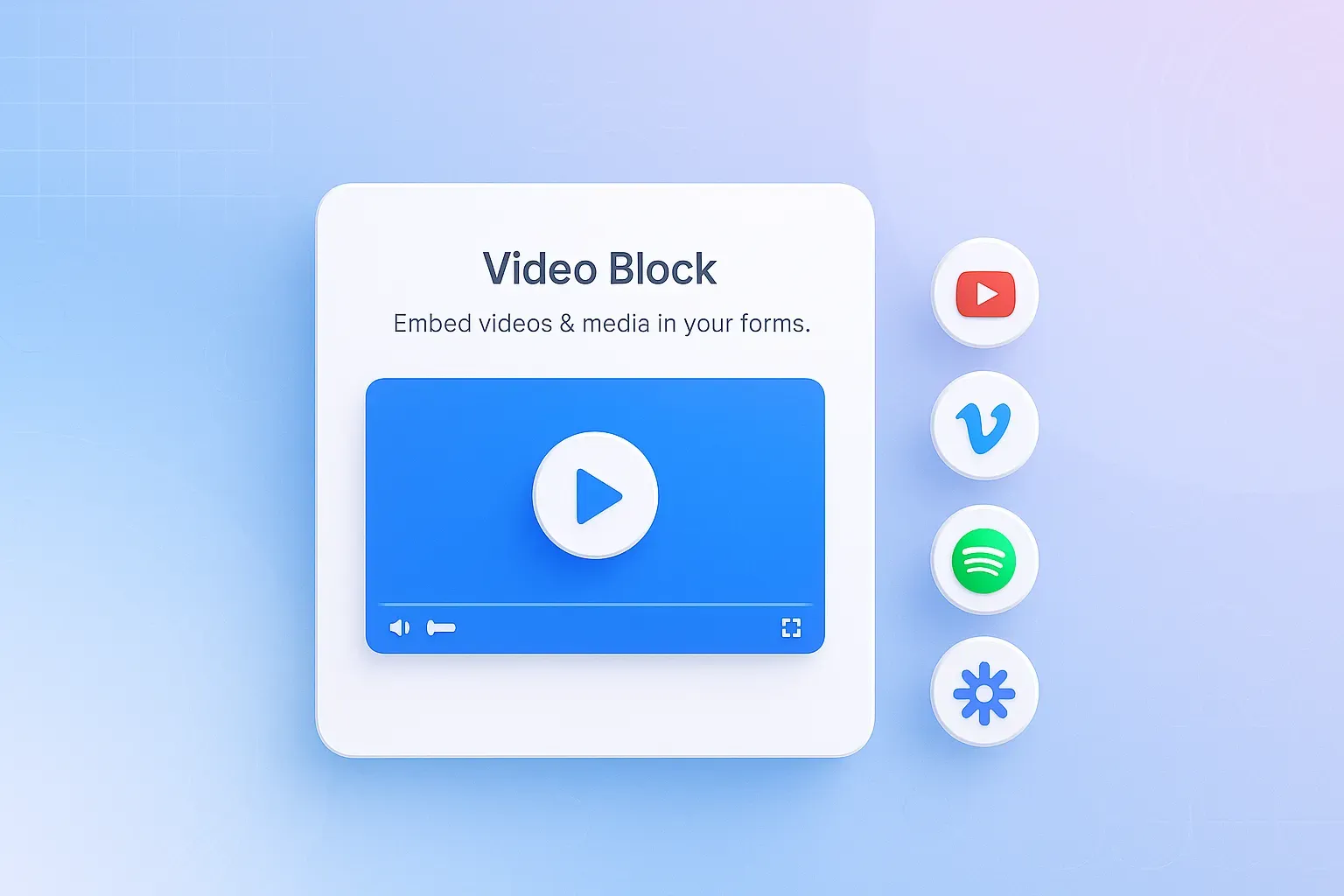
Make your forms more engaging with the new Video Block in NoteForms! You can now embed videos and other media directly into your forms from popular platforms like YouTube, Vimeo, Loom, Tella, Wistia, Twitch, Facebook, SoundCloud, Spotify, Mixcloud, Giphy, Twitter, Google Drive, and more.
Simply drag a Video Block into your form and paste a public media link — the video or audio will appear as a responsive, inline player that works beautifully on both desktop and mobile. Autoplay is off by default, and NoteForms doesn’t store or upload media — it plays securely from the original source.
Use videos and media to:
Give quick walkthroughs or demos
Welcome and guide new users
Add engaging context to multi-step forms
Example: Add a short demo or tutorial at the top of your onboarding form so respondents can see exactly how to complete key sections.
Help & Support: Learn more here → How to Add a Video Block in NoteForms 🎥
Bug Fixes & Improvements
Submit on Enter – Password fields for protected forms/views now submit on Enter key press, addressing user feedback about having to manually click “Submit.”
Better Image Input (Unsplash & URL) – Improved the form editor’s image selection options. Users can now upload images, search Unsplash, or provide image URLs via new modal tabs.
Required Star Styling – Fixed visual inconsistencies with required fields. All input types now maintain consistent styling.
Custom Block Dragging Bug – Star rating blocks dragged into forms now retain their settings and display correctly, fixing the previous bug where numbers appeared instead of stars.