Collect Submitter IP Addresses (Hidden)
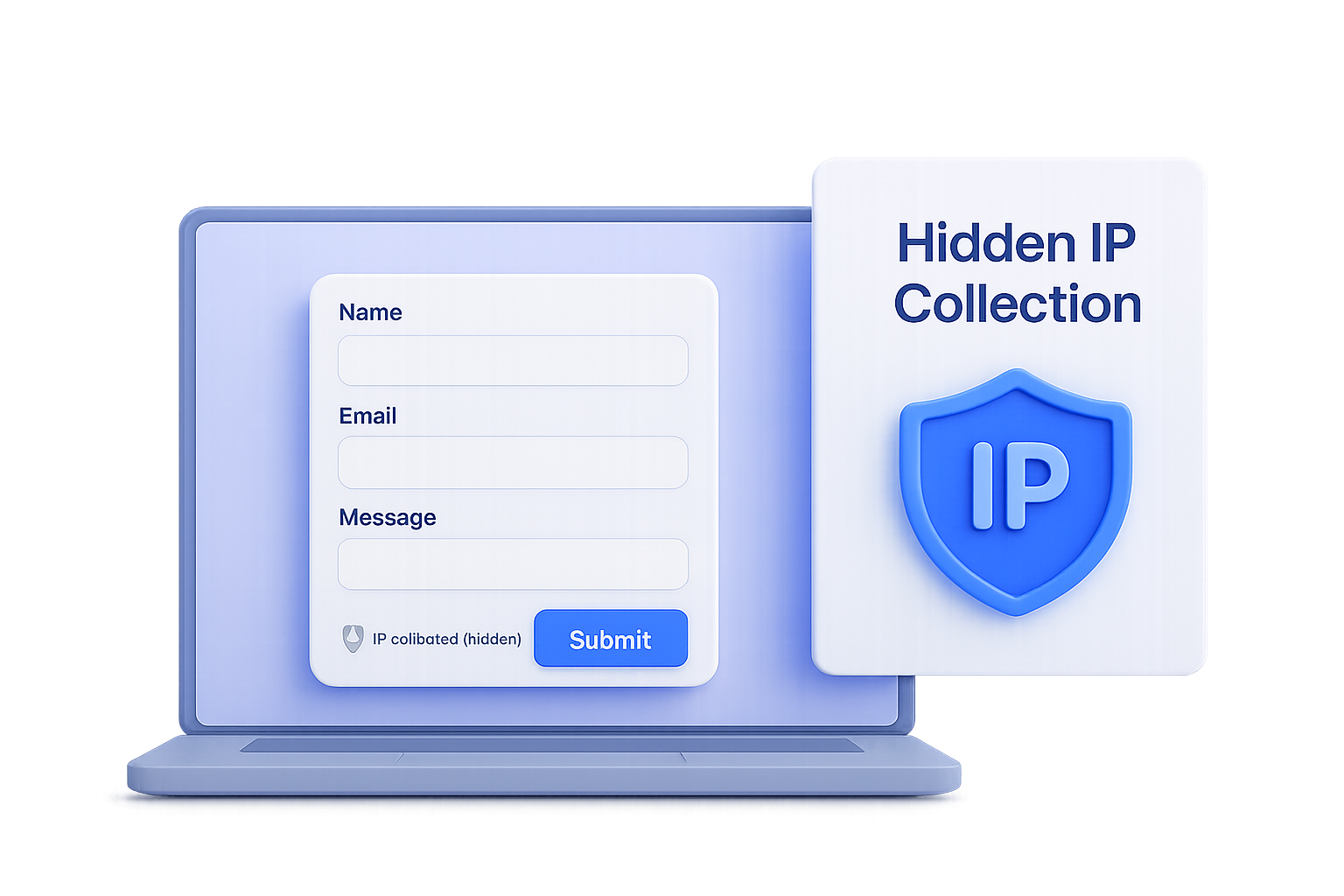
You can now automatically record the IP address of each form submission in NoteForms — no extra fields or coding required!
Enable the new “Collect IP Addresses” toggle in any Text input field’s settings under IDs & Tracking. Once turned on, this field will be hidden from respondents, but NoteForms will quietly capture each submitter’s IP address in the background.
This helps you:
Detect duplicate or fraudulent submissions
Verify where responses are coming from
Keep your form data accurate and trustworthy
💡 Use case: Perfect for contest entries, event RSVPs, or lead capture forms where you want to confirm a submission’s origin without adding extra questions.
🔗 Learn more in our help guide: 🛡️ How to Collect the IP Address of Form Respondents in NoteForms?