Enhanced People Input Control 🛠️
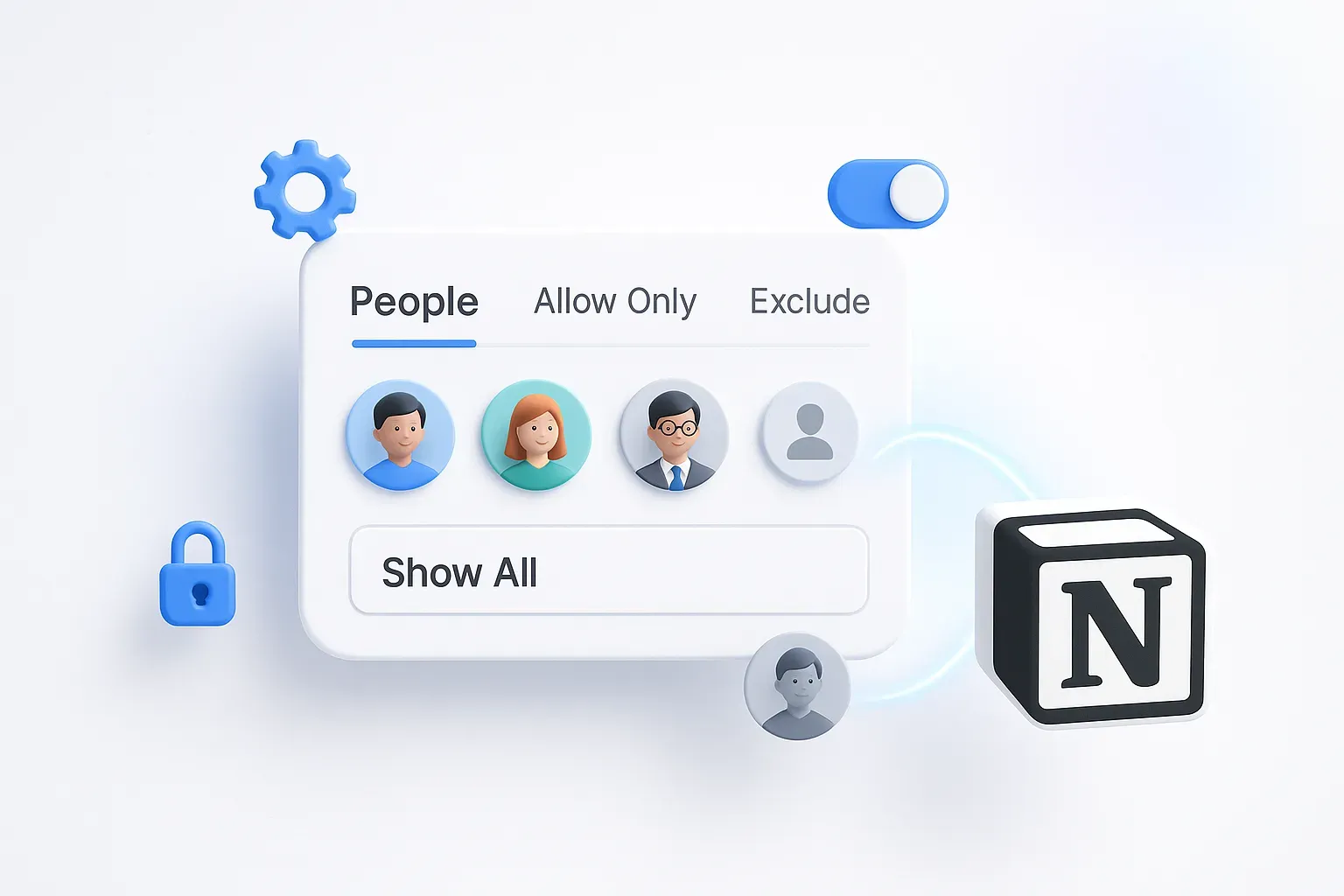
New flexibility at your fingertips! Now you can control visibility in the People input field. You choose: 'Show All', 'Allow Only', or 'Exclude' specific individuals. Perfect for cases like displaying only team leads or excluding certain users to ensure relevant input options. Tailor your forms precisely to your needs and maintain focused data collection effortlessly. For more details, check the help page here: How to Filter options on a People Input Field in Your Form?
Bug Fixes & Improvements
🧠 AI Question Adder Now Works on Existing Forms
Expanding your forms just got easier. You can now use AI to insert questions into existing forms, not just during initial form creation.
🌍 Button Labels Now Auto-Translate
When changing form language, standard buttons (like Submit and Next) will now automatically update their text—unless you've customized them. No more manual edits needed!
✅ Fixed: Page Jumping When Deleting Fields
We resolved a bug where deleting a component on a later page would reset your view back to page one. The editor now remembers your place while editing.