✨ Revamped Table Database View — Easier, Faster, and Smarter
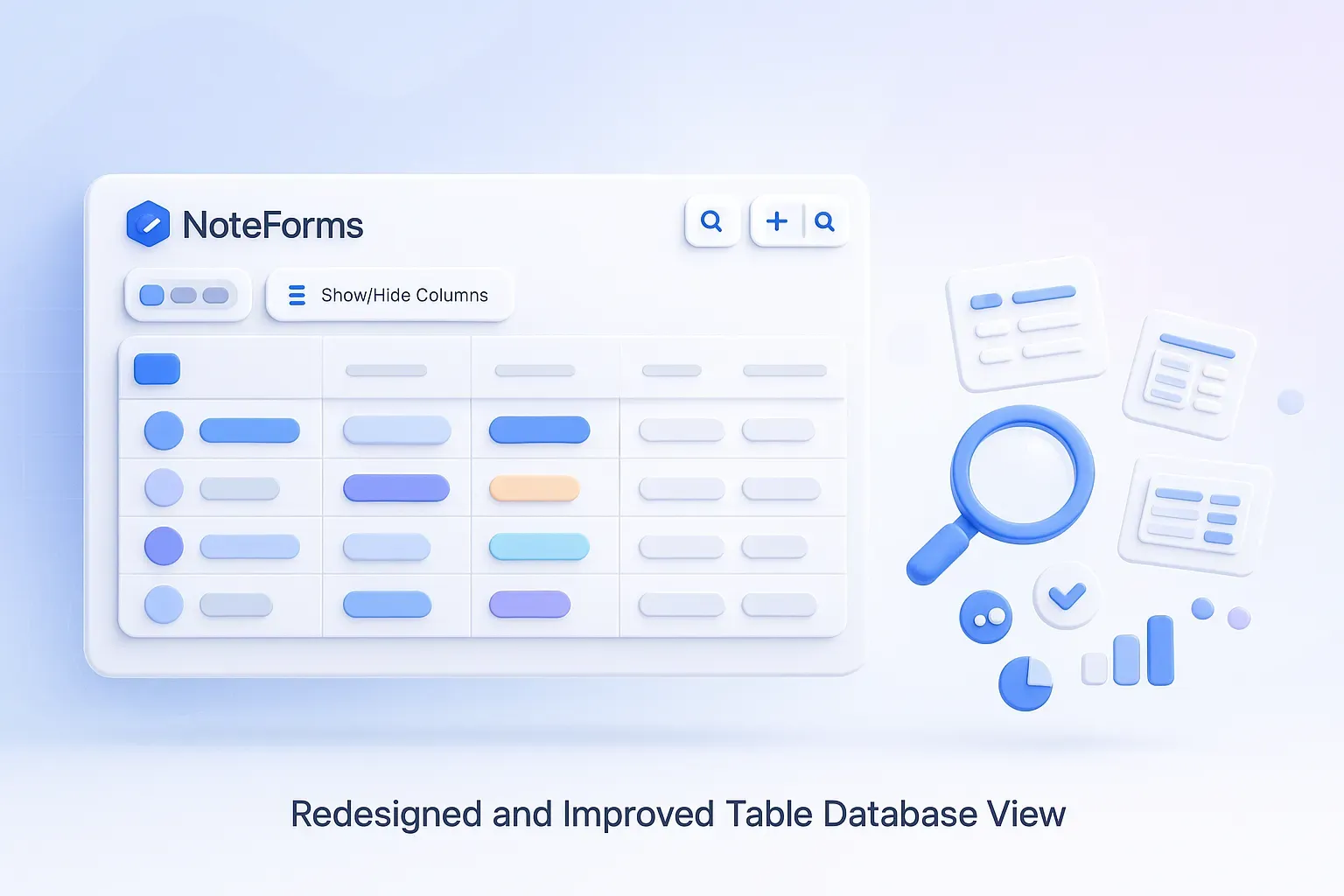
Managing your Notion-connected data just got simpler! The Table Database View in NoteForms has been completely redesigned to make it easier to explore, filter, and organize your form submissions — no setup required.
With this update, you can:
Effortlessly search, filter, and sort your form data in real time.
Show or hide columns, pin important fields, and toggle text wrapping to keep your table clean and focused.
Zoom in or out for a better viewing experience — perfect for both large screens and compact layouts.
Quickly find specific entries using the instant search bar at the top right.
Edit filtering rules with a new guided interface that makes it simple to add conditions and control when rows appear.
Once shared, your database view is now even easier for your users to browse, manage, or interact with through a clear and simplified layout.
This redesign makes NoteForms an even better companion for managing registrations, feedback, applications, and any data stored in Notion, all through a more intuitive and responsive experience.
📖 Learn more about using and customizing your Table Database View here.
🛠️ Bug Fixes & Improvements
Form Editor UI Fixes – Corrected minor layout issues, including vertical scroll behavior when the right sidebar is open and non-full-height resize handles.
Improved VSelect Performance – Lists now load faster, even with large datasets, thanks to virtualization.
Phone Input Enhancements
Fixed spacing between the flag and phone number across all input sizes.
Ensured dropdowns align perfectly with the parent field.
Adjusted flag positioning for better visibility.
Fixed an issue affecting the Trinidad & Tobago prefix.
Verified smooth performance in both LTR and RTL layouts.
Refactored VSelect Component – Integrated UPopover to resolve dropdown visibility issues and ensure menus are always fully viewable.